




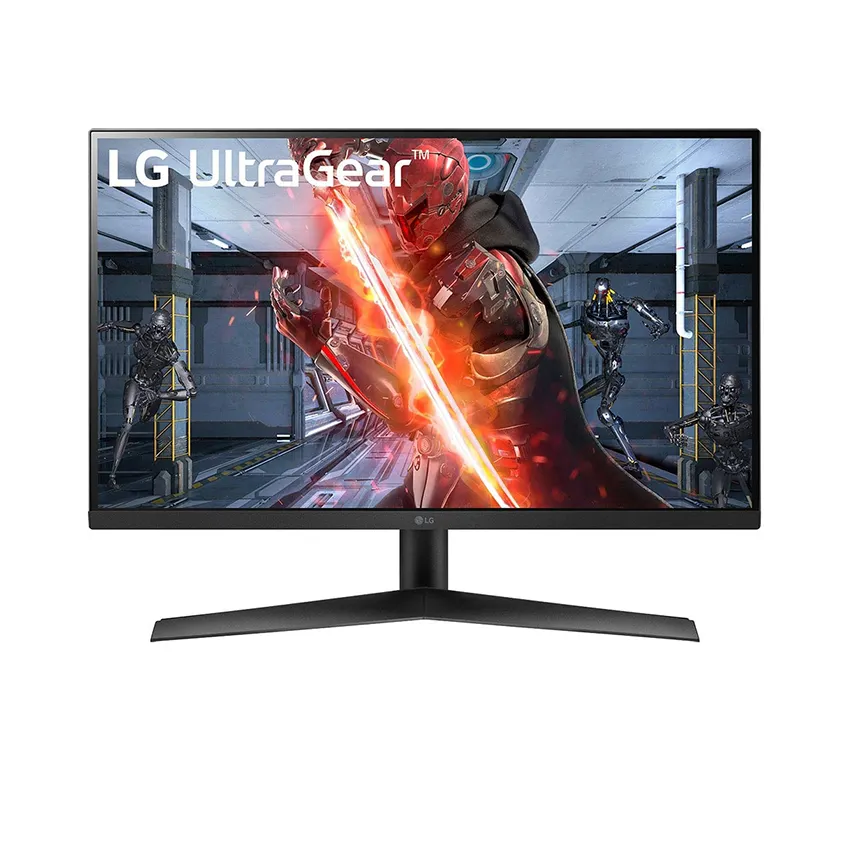
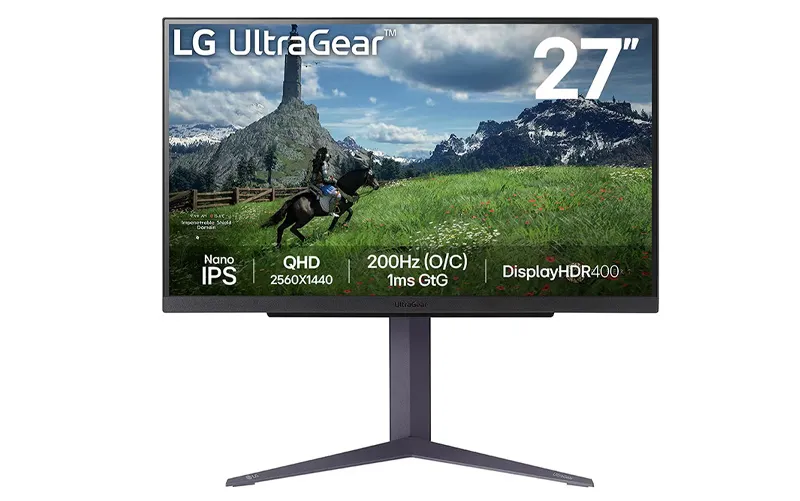
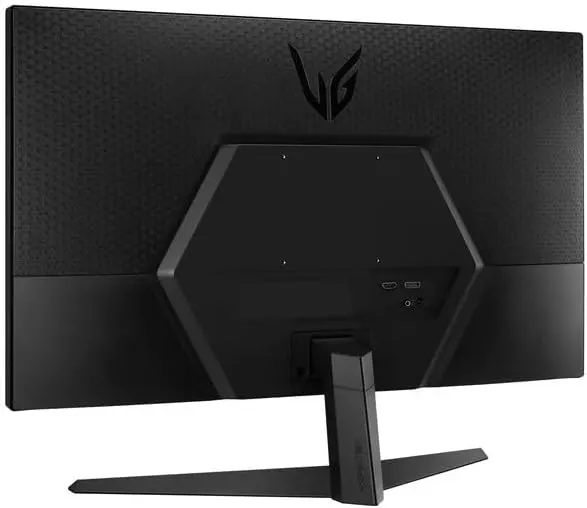
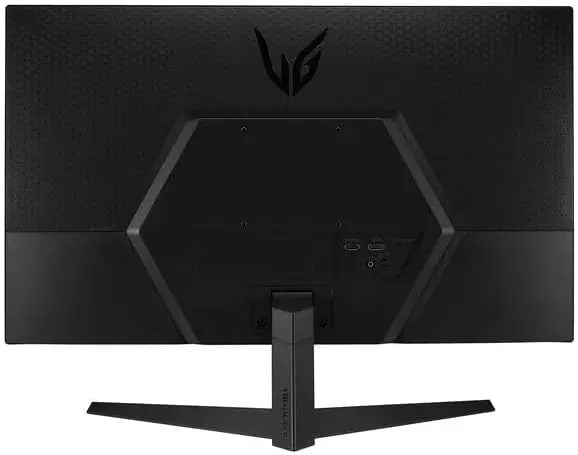
LG Gaming 27-inch Monitor


(0 Ratings)
.png)
Share



Brand
LG
Grade / Type / Style
IPS QHD 27GS75Q
Screen Type
IPS
Screen Resolution
2560 x 1440
Screen display ratio
16:9
Screen size
27"
Receive processing
No
Minimum Order Quantity (MOQ)
50 piece
Provide samples
Yes
Product Condition
100% New
Main Export Market
Vietnam, United States, South Korea, Japan, Thailand, China
Product Certificate
CE Marking - Product Conformity Certificate for the EU. FCC - Electronic and Telecommunication Product Certification in the USA. UL - Electrical Equipment Safety in the US and Canada
Packaging
Packaging type
piece
Packaging Detail
Standard
Packaging dimensions (length x width x height)
690 millimeter x 448 millimeter x 143 millimeter
Packing weight
5 kg
B2B Sales Policy
AGREEMENT
AGREEMENT
AGREEMENT
Detailed description
IPS with 200Hz Refresh Rate
1ms Response Time (GtG)
1.5M:1 Contrast Ratio
NVIDIA® G-SYNC® Compatible
AMD FreeSync™ Premium
Monitor
27" QHD OLED (2560 x 1440)
HDR400 True black / DCI-P3 98.5%
Anti-glare / Low reflection
Image simulated for feature understanding. Image may differ from actual use. DCI-P3 Typical 98.5%, Minimum 90%. Screen brightness is compared to the previous model, LG UltraGear 27GR95QE.
Brighter 27-inch QHD OLED
Immersive Game Design
Immerse yourself in the gaming world with an OLED monitor that always delivers bright, vibrant, and vivid images for every game. Take your gaming experience to the next level with this amazing OLED monitor.
275 nits up to 1000 nits self-emissive OLED pixels. The monitor has a brightness of 275 nits when used in standard mode and up to 1000 nits when in brightest mode. You'll never have to play in the dark because the new OLED monitor always delivers truly vivid and vibrant images.
*275 nits is the typical brightness at 100% average picture level.

DisplayHDR™ TRUE BLACK 400/DCI-P3 98.5% Color explosion
HDR TRUE BLACK 400 brings every scene, whether bright or dark, to life with realistic detail and a 1.5M contrast ratio. Immerse yourself in a more vivid gaming world with DCI-P3 98.5% (Typical).
*TrueBlack 400 is at 10% average picture level and 1.5m:1 is the contrast ratio at 25% average picture level.
[Tip] How to experience the OLED gaming monitor in the best way?
Turn off Smart Energy Saving mode for a brighter OLED image experience.
*Image simulated for feature understanding. Image may differ from actual use.
*Smart Energy Saving mode is applied by default to optimize power consumption, but you can turn it off to enjoy a brighter gaming experience.
*Select "Off" for Smart Energy Saving mode (General → SMART ENERGY SAVING → Off).
*Power consumption may increase when Smart Energy Saving mode is turned off.

Anti-glare & low reflection only displays your game
The application of anti-glare and low-reflection technology can provide a better viewing experience anywhere by reducing distractions on the screen even in environments with ambient light. LG's blue light reduction technology provides a great gaming experience and keeps your eyes comfortable.


Can't find the product you're looking for??
Share your needs with suppliers and receive direct quotes using Arobid RFQ!
